


01 · Today
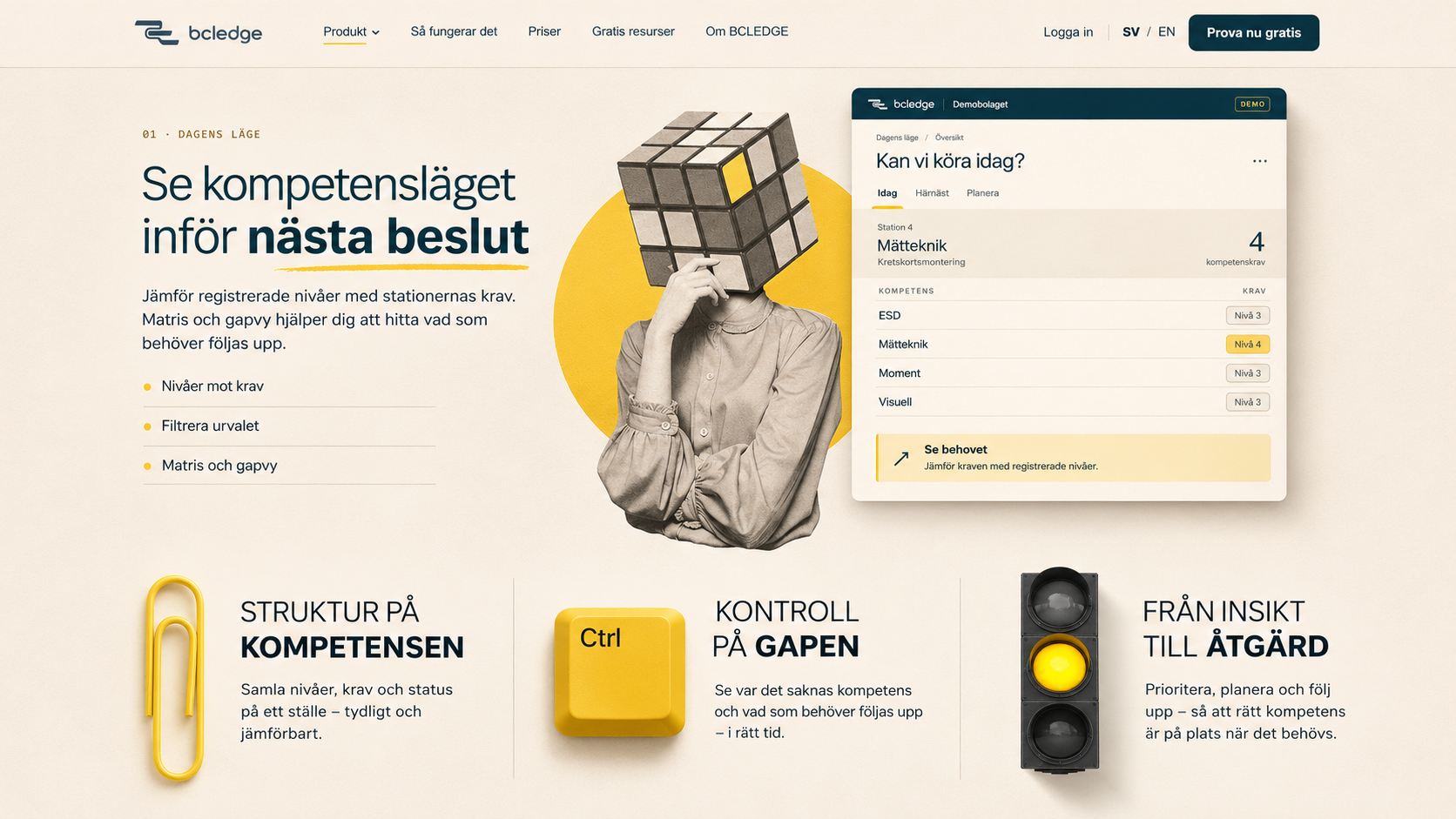
See the competence picture before your next decision
Compare recorded levels with station requirements. Matrix and gap views help you find what needs follow-up.
- Levels against requirements
- Filter your selection
- Matrix and gap views
Product
BCLEDGE brings people, competence, conversations and agreements together. Compare recorded levels with station requirements and organise follow-up around people and work.
Illustrations on this page show synthetic sample data, not the exact app interface.
01 · Today
Compare recorded levels with station requirements. Matrix and gap views help you find what needs follow-up.
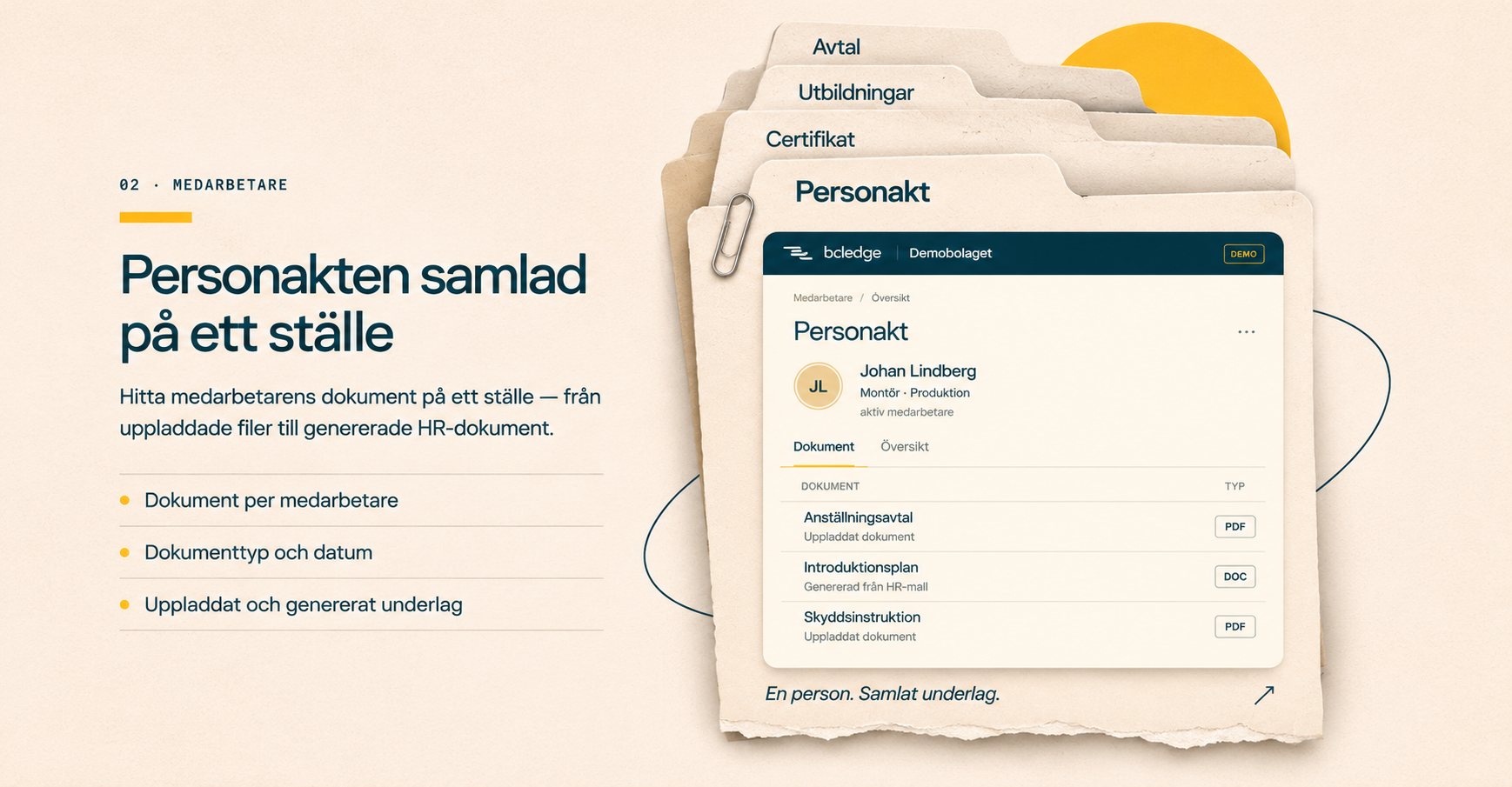
02 · People
Find an employee’s documents in one place — from uploaded files to generated HR documents.
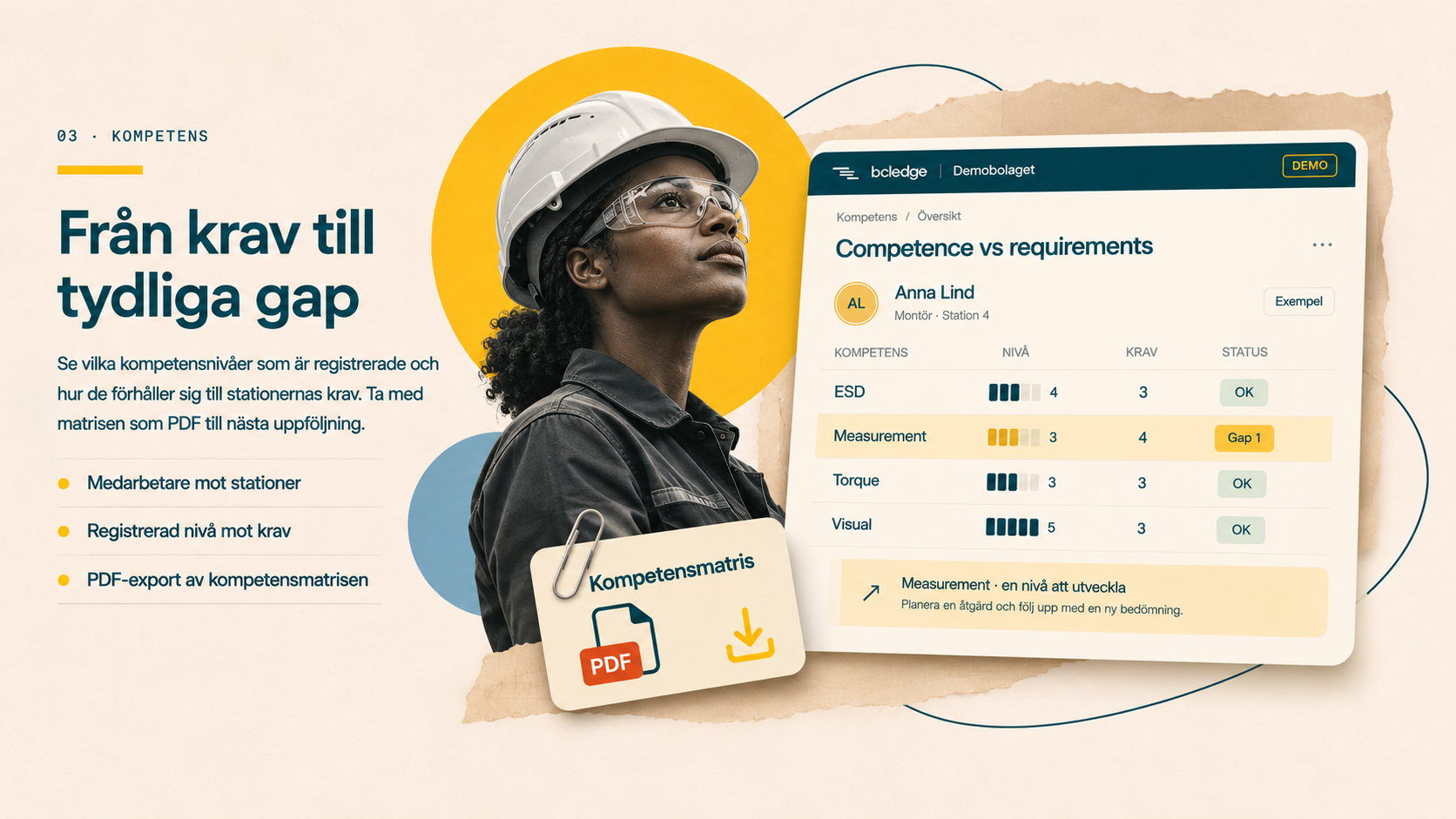
03 · Competence
See recorded competence levels and how they compare with station requirements. Bring the matrix as a PDF to your next follow-up.
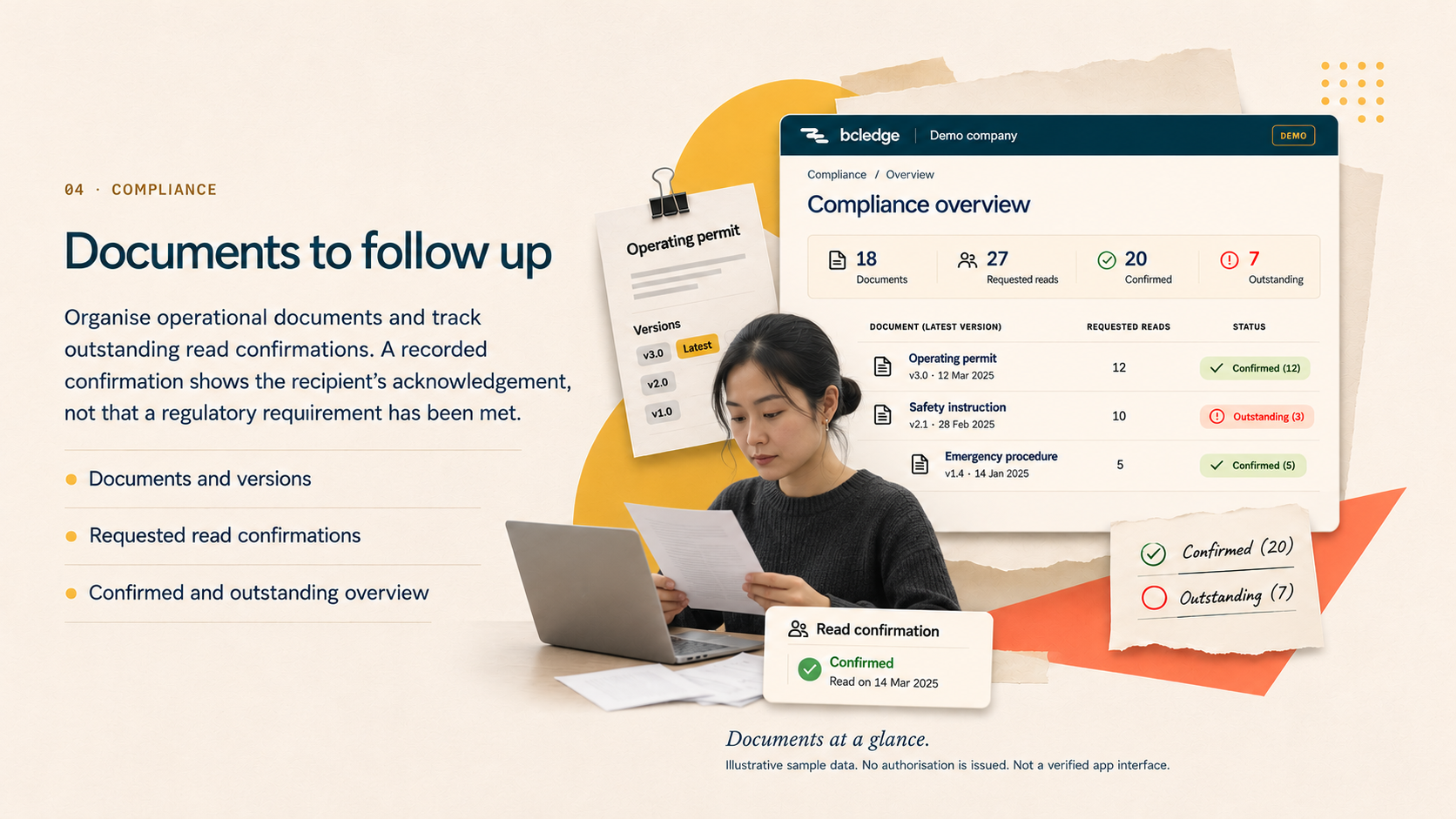
04 · Compliance
Organise operational documents and track outstanding read confirmations. A recorded confirmation shows the recipient’s acknowledgement, not that a regulatory requirement has been met.
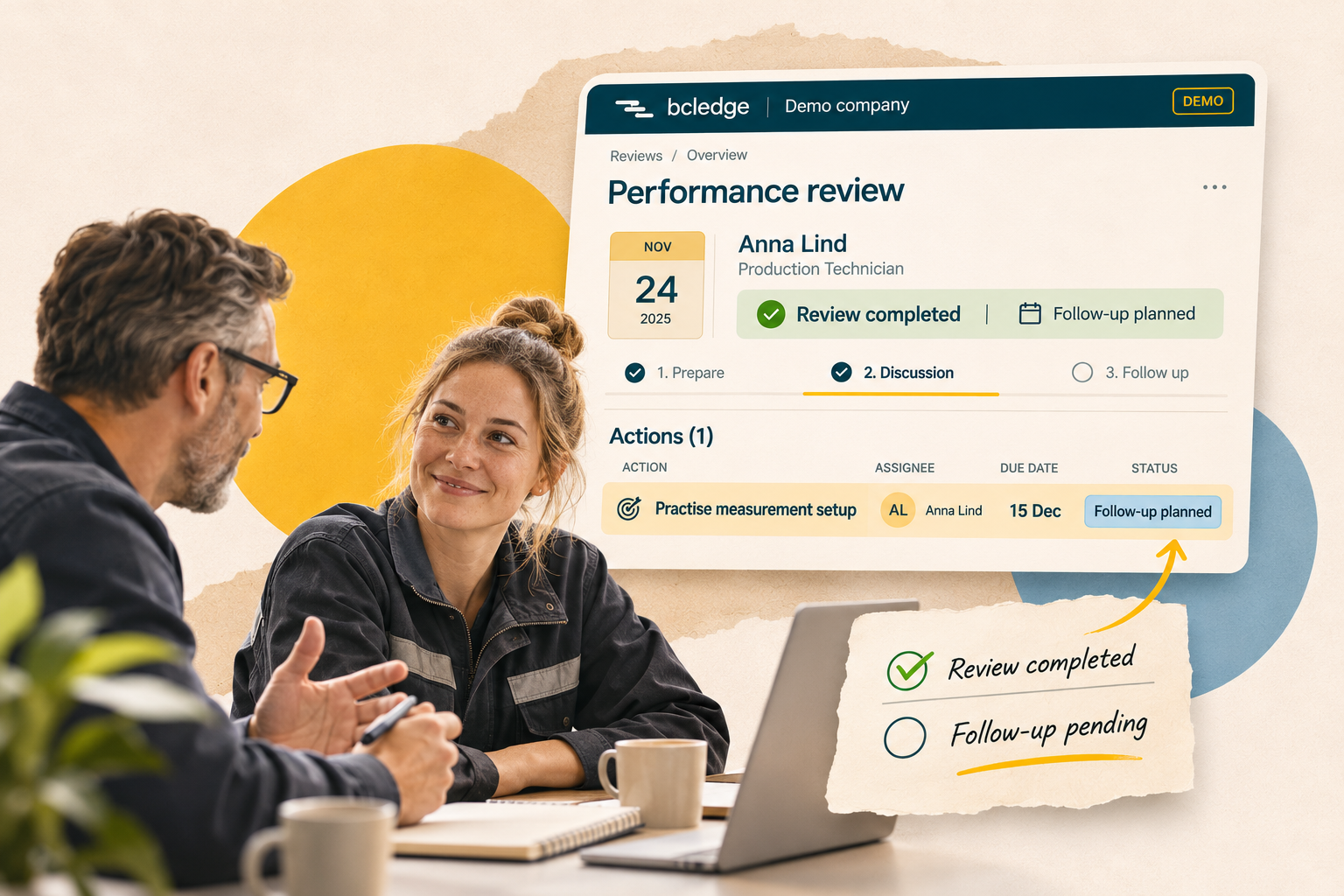
05 · Reviews
Organise dates, status and action points for the development discussion. Follow up responsibilities and dates after the conversation.
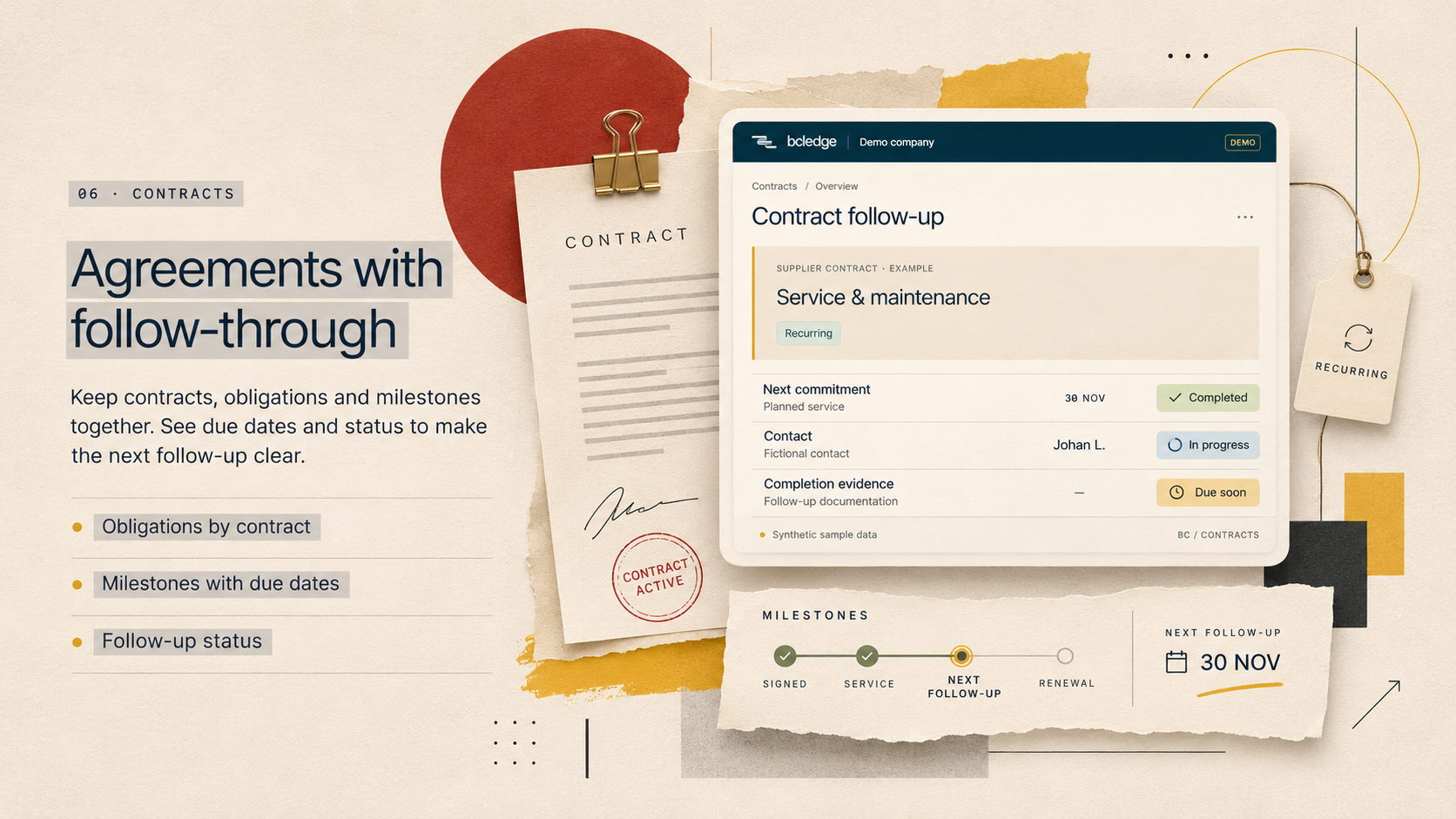
06 · Contracts
Keep contracts, obligations and milestones together. See due dates and status to make the next follow-up clear.
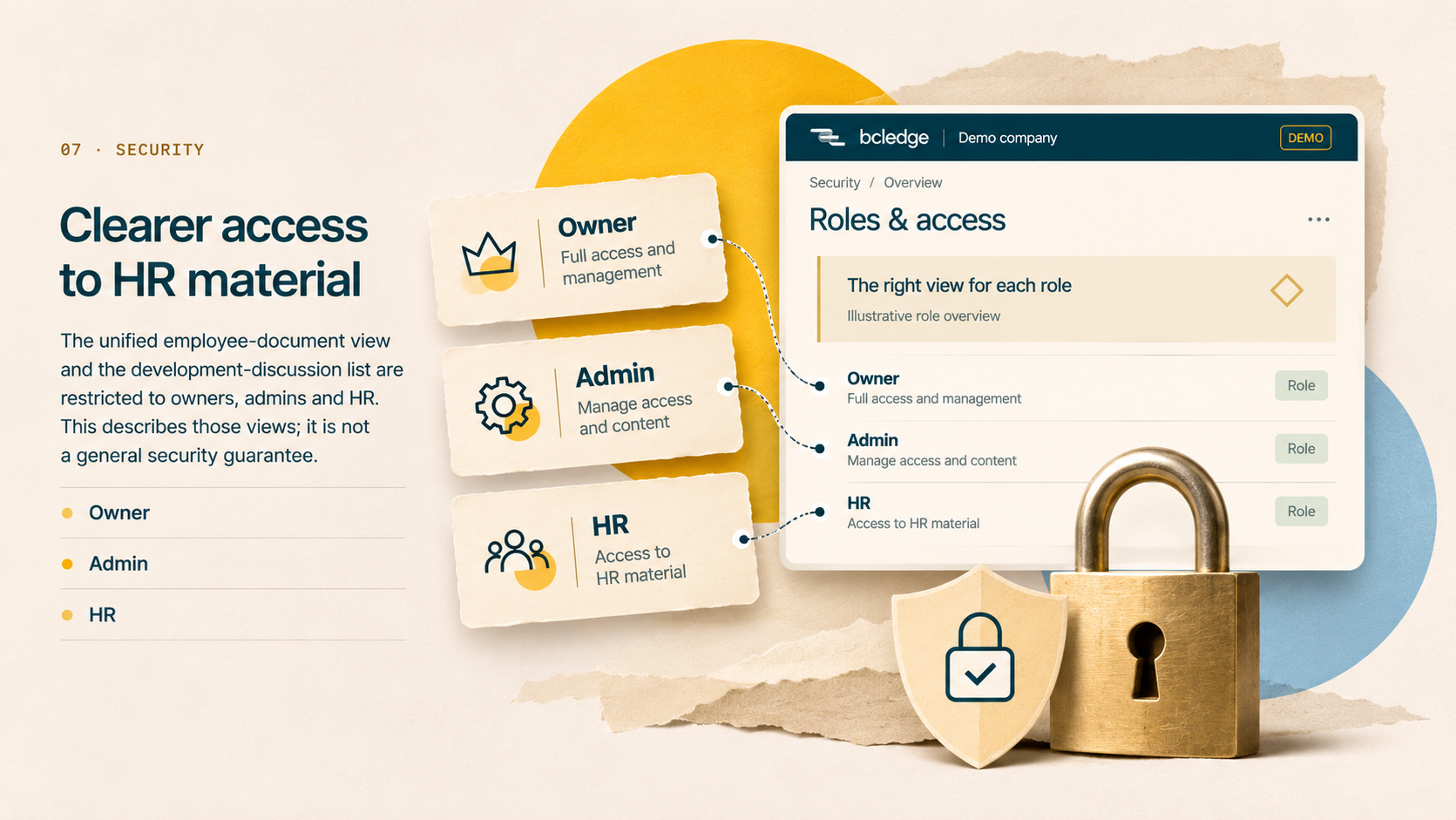
07 · Security
The unified employee-document view and the development-discussion list are restricted to owners, admins and HR. This describes those views; it is not a general security guarantee.
Pricing
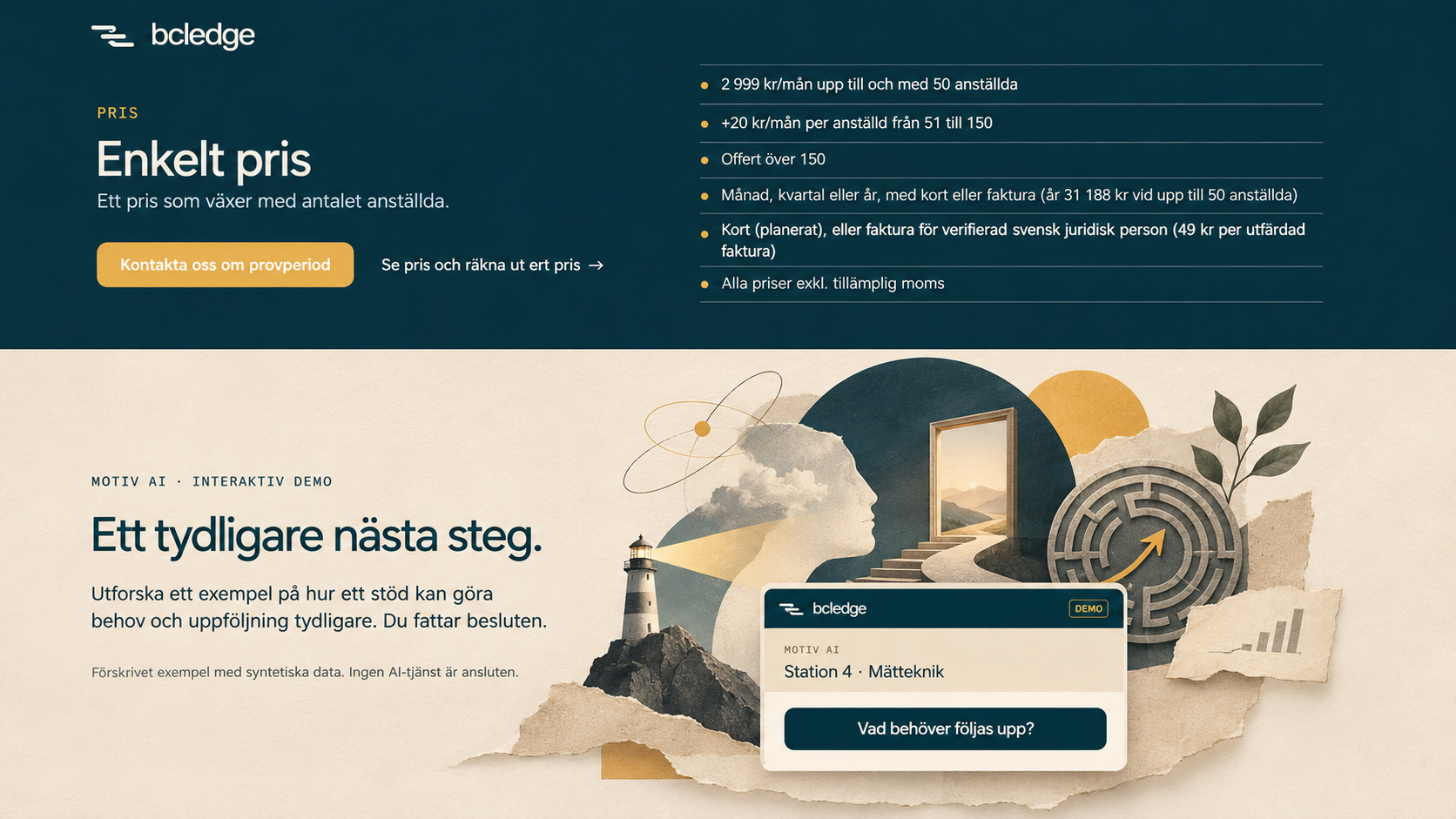
One price that grows with the number of employees.
Motiv AI · interactive demo
Explore an example of how assistance could clarify needs and follow-up. You make the decisions.
Prewritten example with synthetic data. No AI service is connected.
Example: a recorded level falls below station requirements. Suggested next step: plan an action, assign an owner and follow up with a new assessment. Training alone does not close the gap.